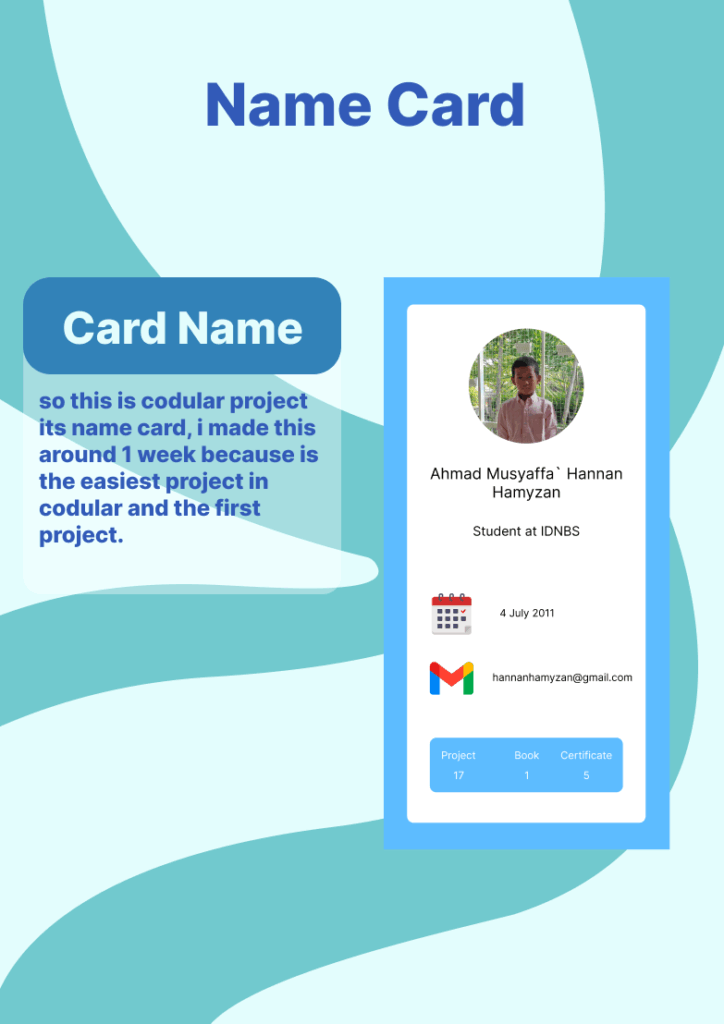
So this is a Codular project called Name Card. I created it in about one week since it was the easiest project to start with in Codular and also my very first project. Through this project, I learned the basics of how Codular works, including arranging components, setting properties, and using simple blocks for functionality. Even though it is a simple project, it gave me a good foundation to understand how to build apps step by step. Making this name card project helped me gain confidence to explore more features in Codular and prepared me to try more advanced projects in the future.
Radio Online
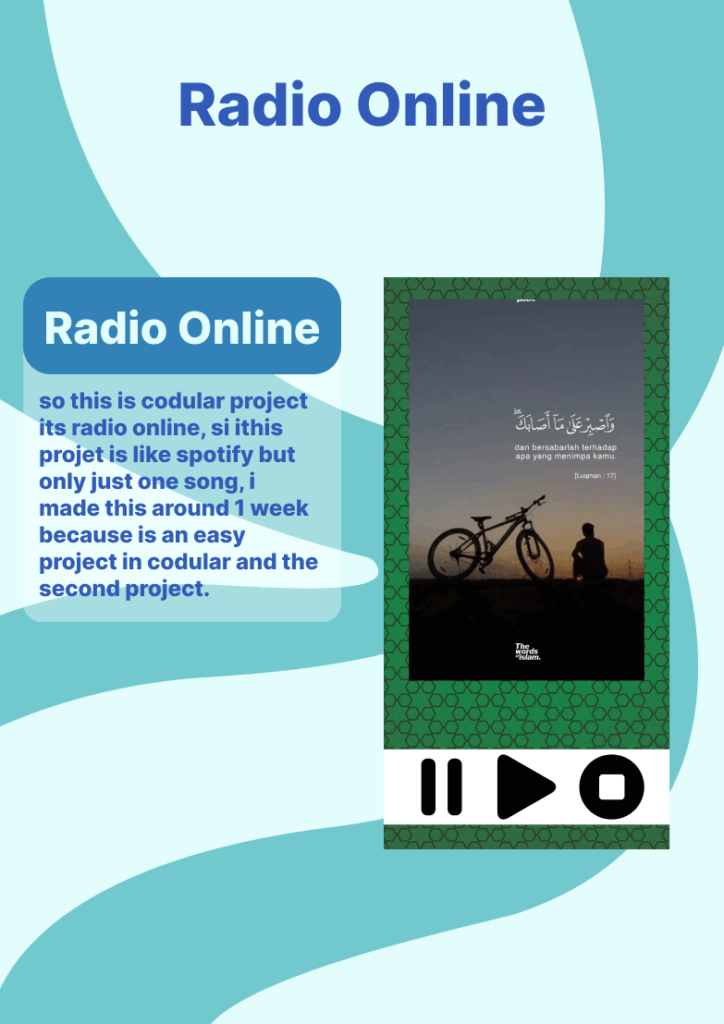
So this is a Codular project called Online Radio. The idea of this project is similar to Spotify, but it only plays one song instead of offering a full library of music. I worked on this project for about one week, since it was quite simple to build and it became my second project in Codular after the Name Card. Through this project, I practiced using audio components, designing the interface, and setting up blocks to make the music play smoothly. Even though it looks simple, this project helped me understand how streaming works in Codular and gave me more experience in creating functional applications. It also motivated me to continue exploring more advanced features and try making apps that are more interactive and useful in the future.
Talk to Me
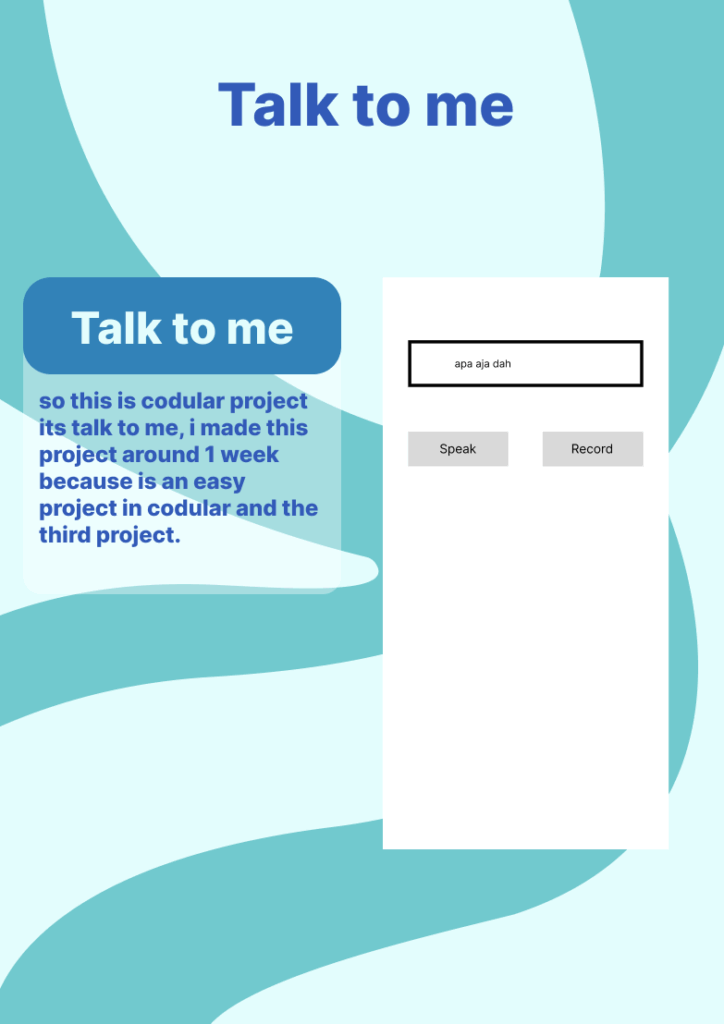
So this is a Codular project called Talk to Me. I created this project in about one week because it was quite easy to make using Codular, and it became my third project after the Name Card and Online Radio. The main function of this app is to convert text into speech, so users can type something and then hear it spoken out loud by the application. While working on this project, I learned how to use the text-to-speech component, design a simple user interface, and connect the blocks so that the app runs smoothly. Even though it is a simple project, it was very fun to make and helped me understand more about how Codular can be used to create interactive applications. This project also gave me more confidence to continue developing other creative ideas in the future.
Find My Age
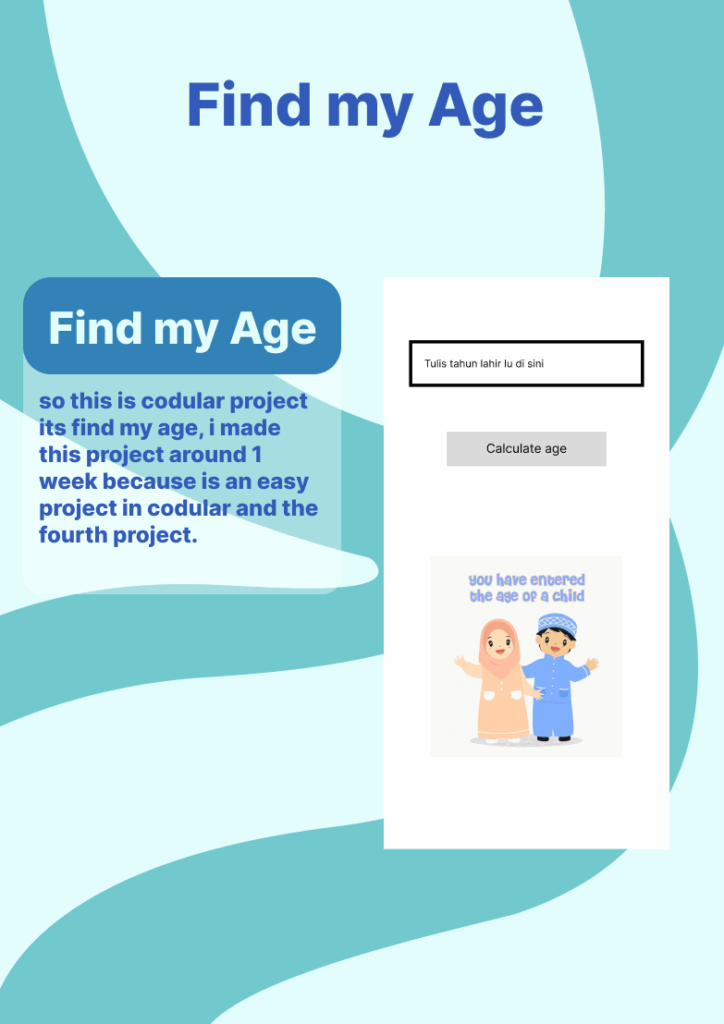
So this is a Codular project called Find My Age. I worked on this project for about one week because it was simple to build and became my fourth project in Codular after Name Card, Online Radio, and Talk to Me. The purpose of this app is to calculate a person’s age by asking for their birth year and then showing the result in years. Through this project, I learned how to use input components, process data with blocks, and display the output in a clear way for the user. Even though the app looks simple, it really helped me improve my logic and understand how to handle user inputs in Codular. Making this project also gave me more confidence to experiment with new features and try creating apps that are both useful and easy to use
Calculator
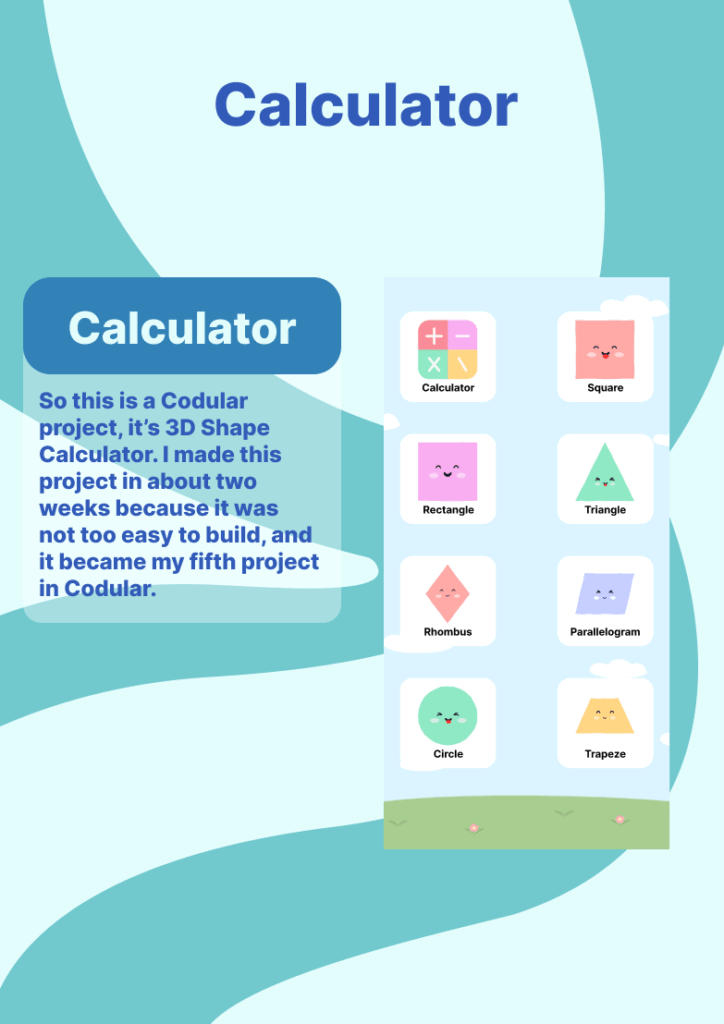
So this is a Codular project called 3D Shape Calculator. I worked on this project for about one month because it was quite difficult to build, and it became my last project in Codular after Name Card, Online Radio, Talk to Me, and Find My Age. The purpose of this app is to calculate the volume and surface area of different 3D shapes by asking for the necessary dimensions and then showing the result clearly to the user. Through this project, I learned how to combine multiple input components, apply mathematical formulas using blocks, and display the output in a simple and user-friendly way. Even though this app was challenging, it helped me strengthen my logic, improve my problem-solving skills, and gave me more confidence to work on advanced projects in the future.
Tutorial
So this is a Codular project tutorial called How to Make a Name Card App. I worked on it for about two weeks to prepare clear explanations and make the video last around ten minutes. In this tutorial, I guide viewers step by step to design the layout, add input components, and display the information neatly without using any coding. The purpose is to help people create a simple but useful Name Card app in Codular while also learning the basics of app design in a very easy way.
Dashboard Islami
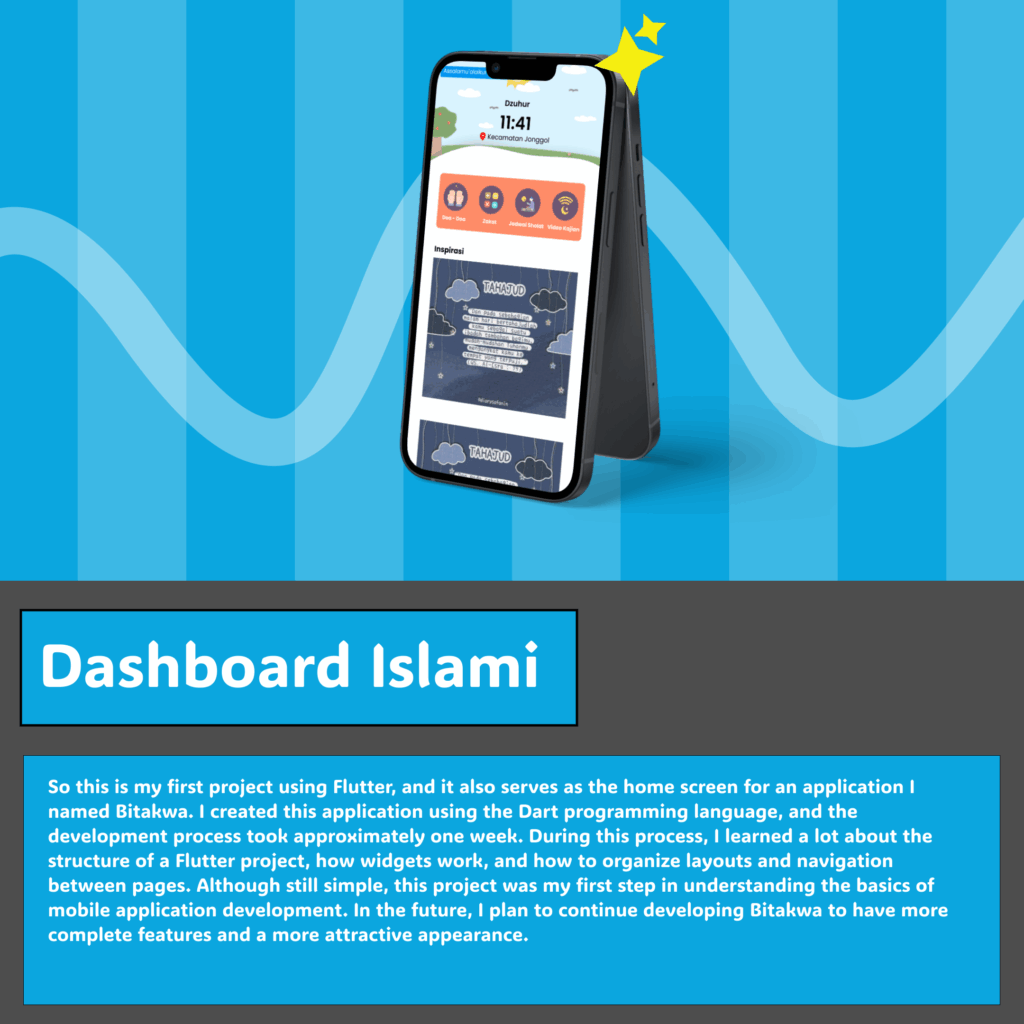
So this is my first project using Flutter, and it also serves as the home screen for an application I named Bitakwa. I created this application using the Dart programming language, and the development process took approximately one week. During this process, I learned a lot about the structure of a Flutter project, how widgets work, and how to organize layouts and navigation between pages. Although still simple, this project was my first step in understanding the basics of mobile application development. In the future, I plan to continue developing Bitakwa to have more complete features and a more attractive appearance.
Doa Screen
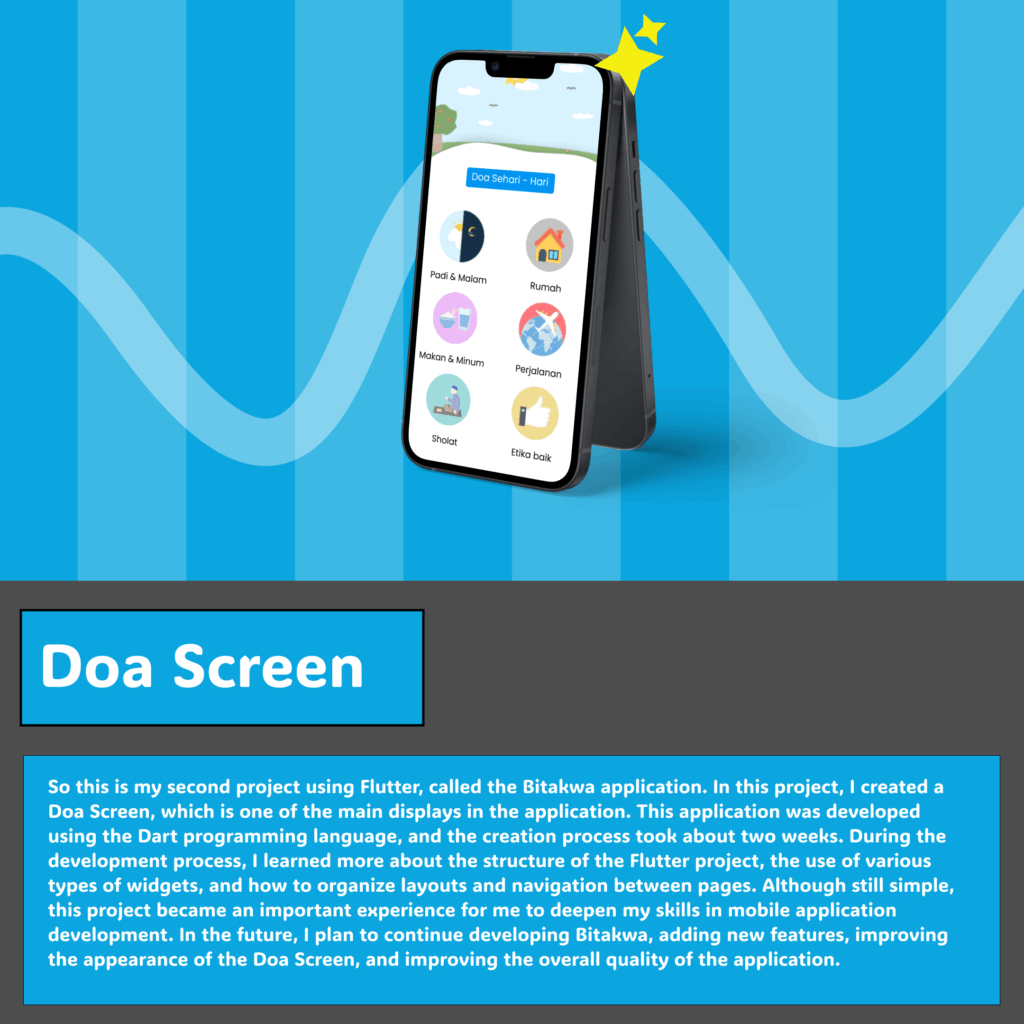
So this is my second project using Flutter, called the Bitakwa application. In this project, I created a Doa Screen, which is one of the main displays in the application. This application was developed using the Dart programming language, and the creation process took about two weeks. During the development process, I learned more about the structure of the Flutter project, the use of various types of widgets, and how to organize layouts and navigation between pages. Although still simple, this project became an important experience for me to deepen my skills in mobile application development. In the future, I plan to continue developing Bitakwa, adding new features, improving the appearance of the Doa Screen, and improving the overall quality of the application.
Zakat Screen
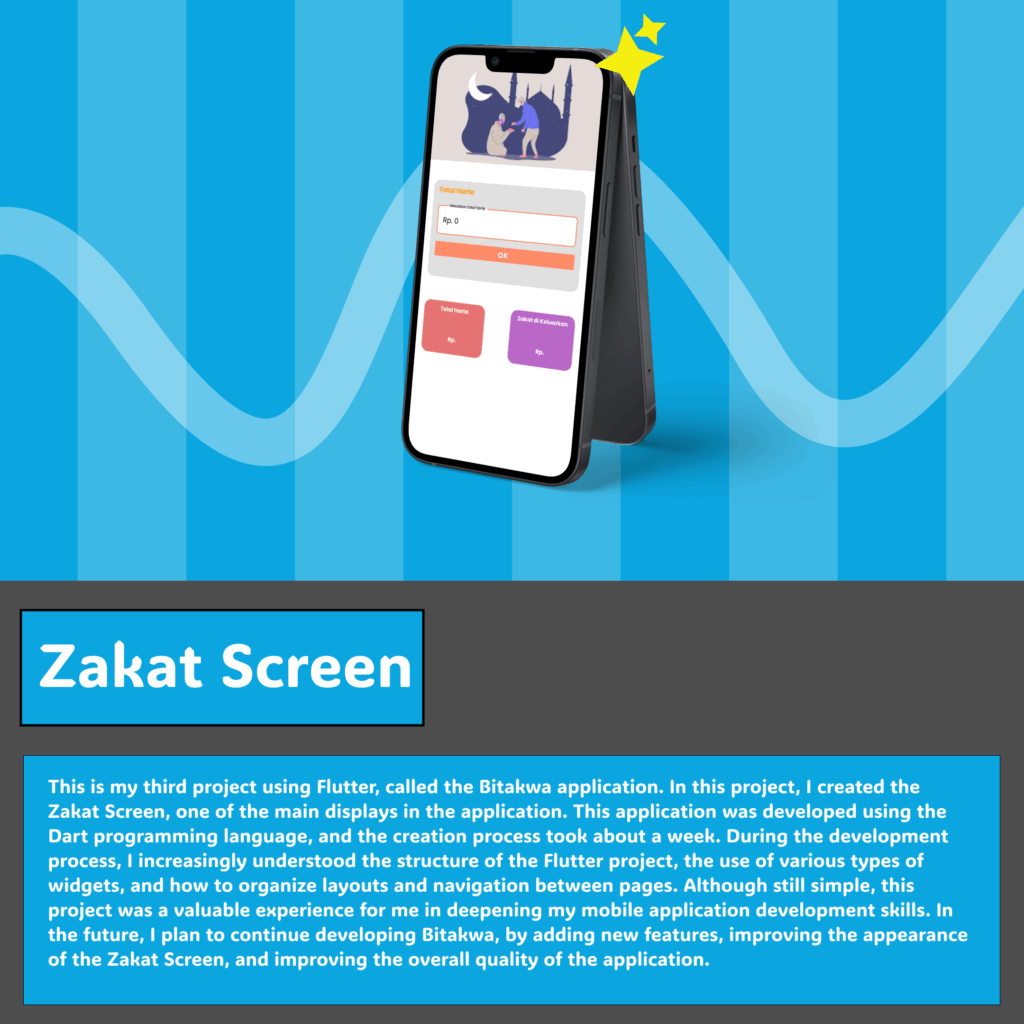
So this is my second project using Flutter, called the Bitakwa application. In this project, I created a Doa Screen, which is one of the main displays in the application. This application was developed using the Dart programming language, and the creation process took about two weeks. During the development process, I learned more about the structure of the Flutter project, the use of various types of widgets, and how to organize layouts and navigation between pages. Although still simple, this project became an important experience for me to deepen my skills in mobile application development. In the future, I plan to continue developing Bitakwa, adding new features, improving the appearance of the Doa Screen, and improving the overall quality of the application.
Zakat Screen
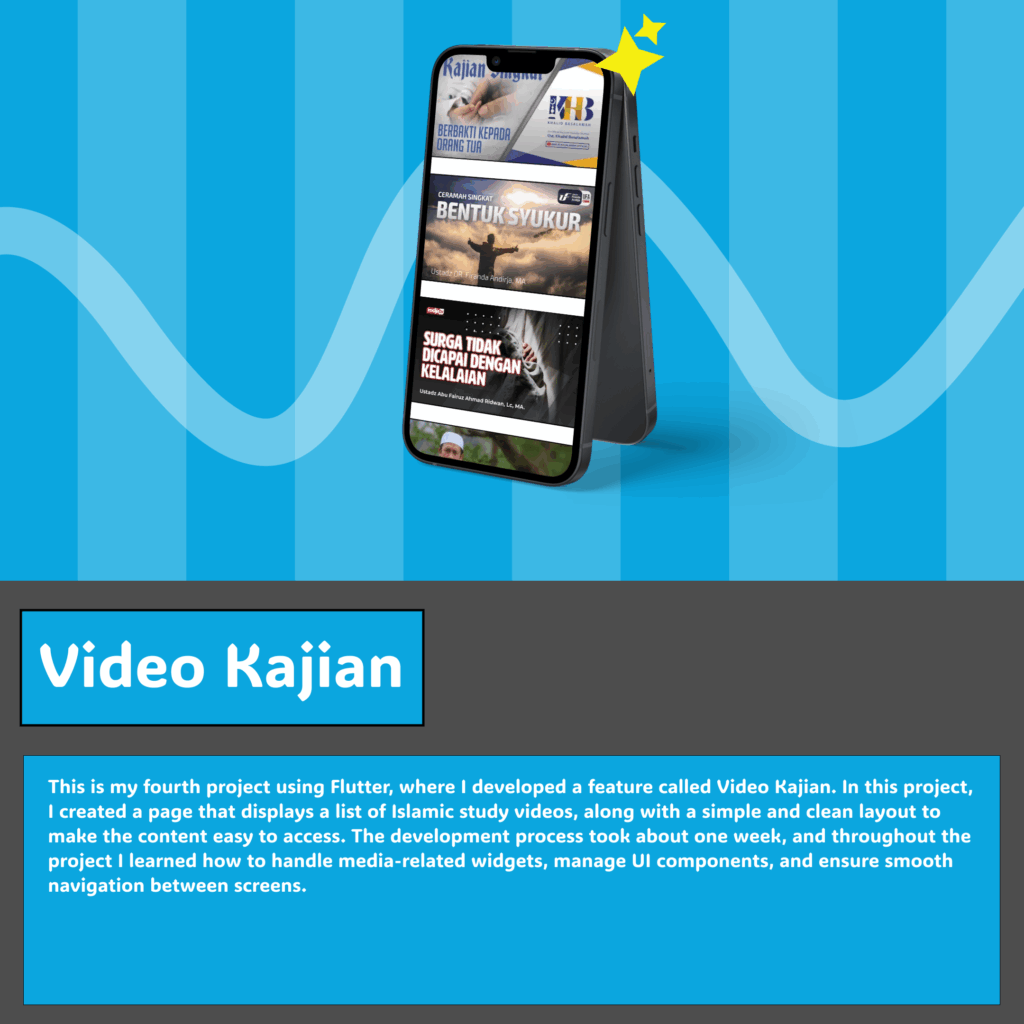
This is my fourth project using Flutter, where I developed a feature called Video Kajian. In this project, I created a page that displays a list of Islamic study videos, along with a simple and clean layout to make the content easy to access. The development process took about one week, and throughout the project I learned how to handle media-related widgets, manage UI components, and ensure smooth navigation between screens.